


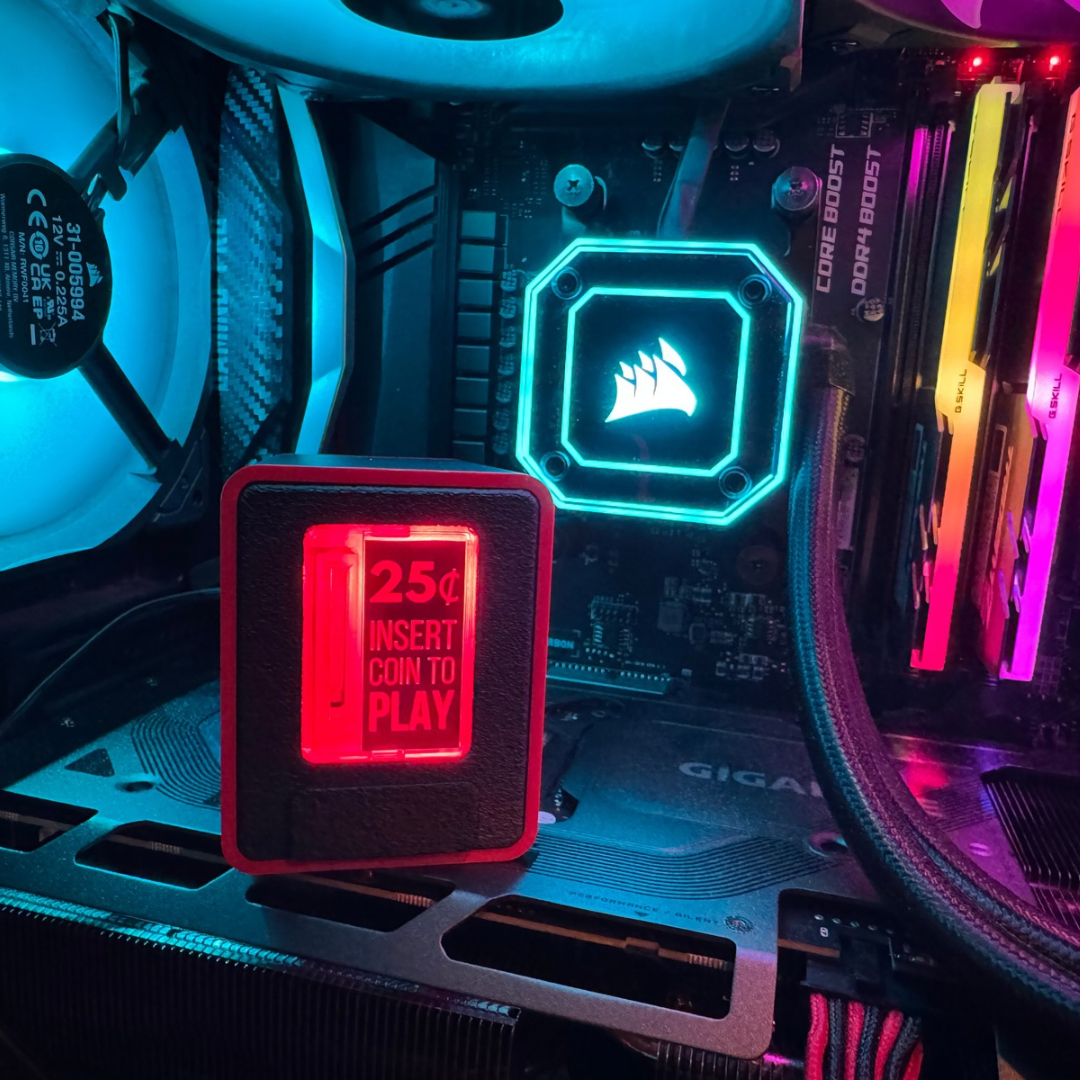
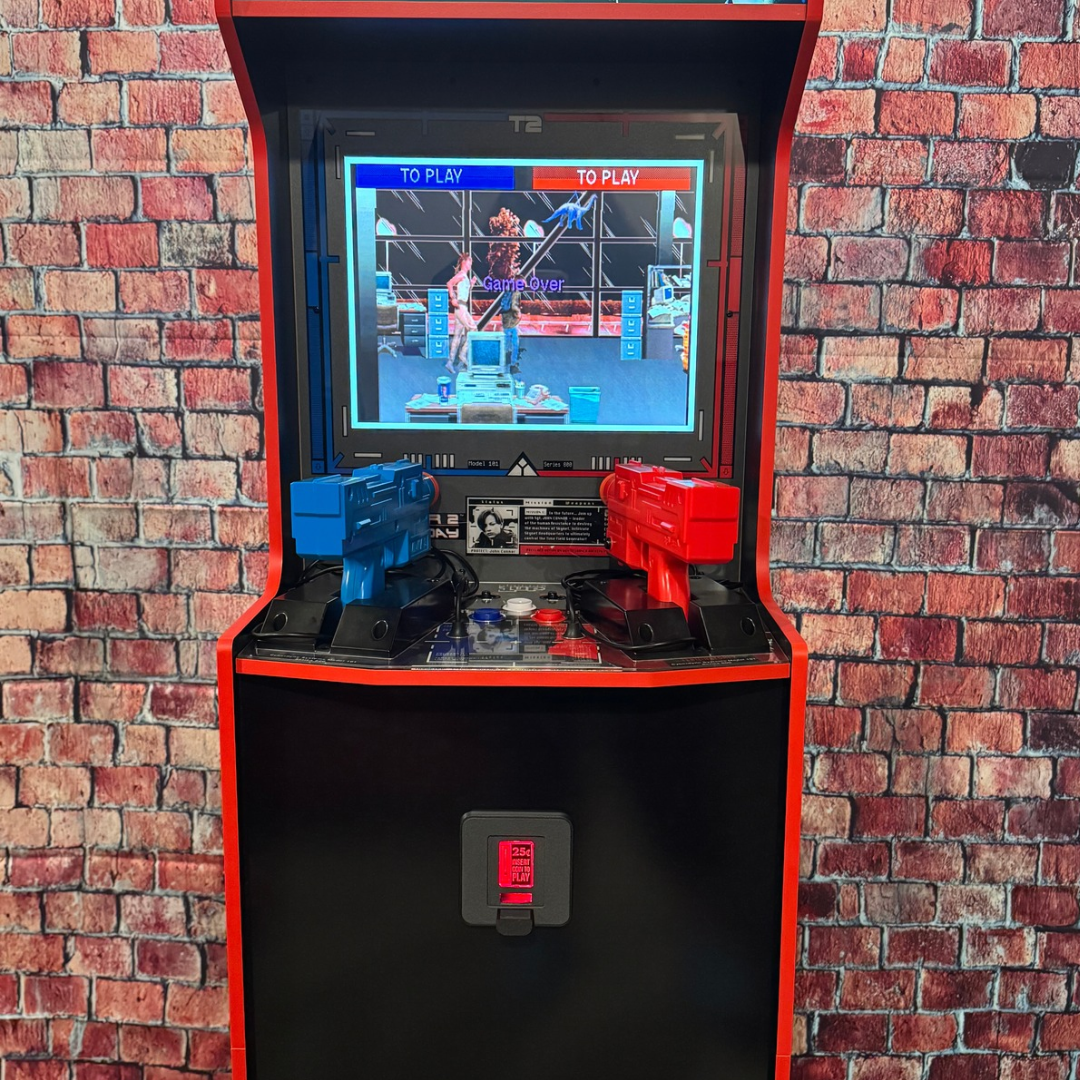
Turn your Insert Coin Cube Gen 2 into a working power button for your PC, physical button for arcade machines, or control other custom electronics! This wiring kit lets you connect your Cube directly to devices, replacing or adding a physical button without relying on USB. Drop in a coin to power on your gaming PC, add real credits to your arcade cabinet, press INSERT COIN to trigger your Arduino project. The possibilities are nearly endless!
Go Beyond USB. While the Cube’s USB keyboard emulation is great for controlling computers, many devices require a physical button connection instead. This kit lets you use your Insert Coin Cube Gen 2 with compatible equipment that doesn’t support USB keyboard controls, even turn on your PC when it’s completely shut down!
Easy Installation, Everything You Need! We’ve made connecting your Cube to other devices simple, even if you’re new to electronics!
With the included adapters and easy-connect wiring accessories, many projects require no soldering, wire stripping, or crimping.
WHAT'S INCLUDED:
- 6-Foot Wiring Harness: A 6-foot cable with 2-pin connectors on both ends, giving you plenty of flexibility for your setup.
- PC Power Switch Harness: Easily connect your Cube to a compatible PC power-button circuit in seconds. Turn on your gaming PC with the press of INSERT COIN or the drop of a quarter.
- Universal No-Strip Wire Connector: Quickly connect compatible wires without soldering, stripping, or crimping. Perfect for arcade controllers, fight sticks, custom electronics, and DIY projects. ***Designed for 18–24 AWG wire.*** Connections may be less reliable with thinner wires. When compatible with your wiring, these connectors provide a quick and easy installation solution.
- NEW 3 Way Lever Nuts (x2) - Added to Kit October 20, 2026: The kit now includes two 3-way lever nut connectors, allowing you to easily wire into compatible button circuits using wires as thin as 28 AWG. Simply strip the wire ends, lift the levers, insert the wires, and close the levers to secure the connection. While these connectors require wire stripping, they accommodate a wider range of wire sizes and generally provide a more reliable connection than no-strip connectors, especially with thinner wires. PLEASE NOTE: These connectors were added to the kit on October 20, 2026, and are not included with orders placed before this date.
- Price listed is for: 1 Wired Button Connection Kit. Insert Coin Cube Gen 2 sold separately.
TECHNICAL SPECIFICATIONS:
- Compatible With: TinyBrights™ Insert Coin Cube Gen 2 (Model #S1025)
- Output Type: Solid-state, normally open momentary switch designed to replace a low-power physical button. Bidirectional.
- Button Behavior: Pressing INSERT COIN or inserting a coin activates the same wired output for approximately 0.1 seconds (100ms). Button Hold Mode supports sustained activation.
- Configuration: Enable the Wired Button Output feature through a one-time setup in the Cube’s web app.
- No Strip Connector: Directly pierces and connects wires to the harness just by closing the jaws. Supports 18-24AWG.
- 3 Way Lever Nuts: Allow you to easily wire into compatible button circuits using wires as thin as 28 AWG. Simply strip the wire ends, lift the levers, insert the wires, and close the levers to secure the connection.
- Maximum Rating: 12V DC, 8mA. For low-voltage signaling only, not for directly powering electrical loads.
- Compatibility: Designed for compatible low-voltage button and switch-input circuits. Verify your device’s electrical requirements before connecting.
Install Guide Video for Arcade Cabinets
Watch our step-by-step installation guide to learn how to wire the Wired Button Connection Kit into your arcade cabinet. Follow along as we demonstrate the complete installation process.
Install Guide Video for Your PC
Watch our step-by-step installation guide to learn how to wire the Wired Button Connection Kit into your PC. Follow along as we demonstrate the complete installation process.
For more information view our installation guide for wiring examples and additional technical information.
Disclaimer:
Requires an Insert Coin Cube Gen 2, sold separately. Not compatible with every device. Please review the technical specifications before connecting to custom or uncommon equipment.
TinyBrights™ is an exclusive brand collection owned by Chronic Concepts®. Unauthorized use or reproduction of our designs, photography, descriptions, or trademarks is strictly prohibited.